

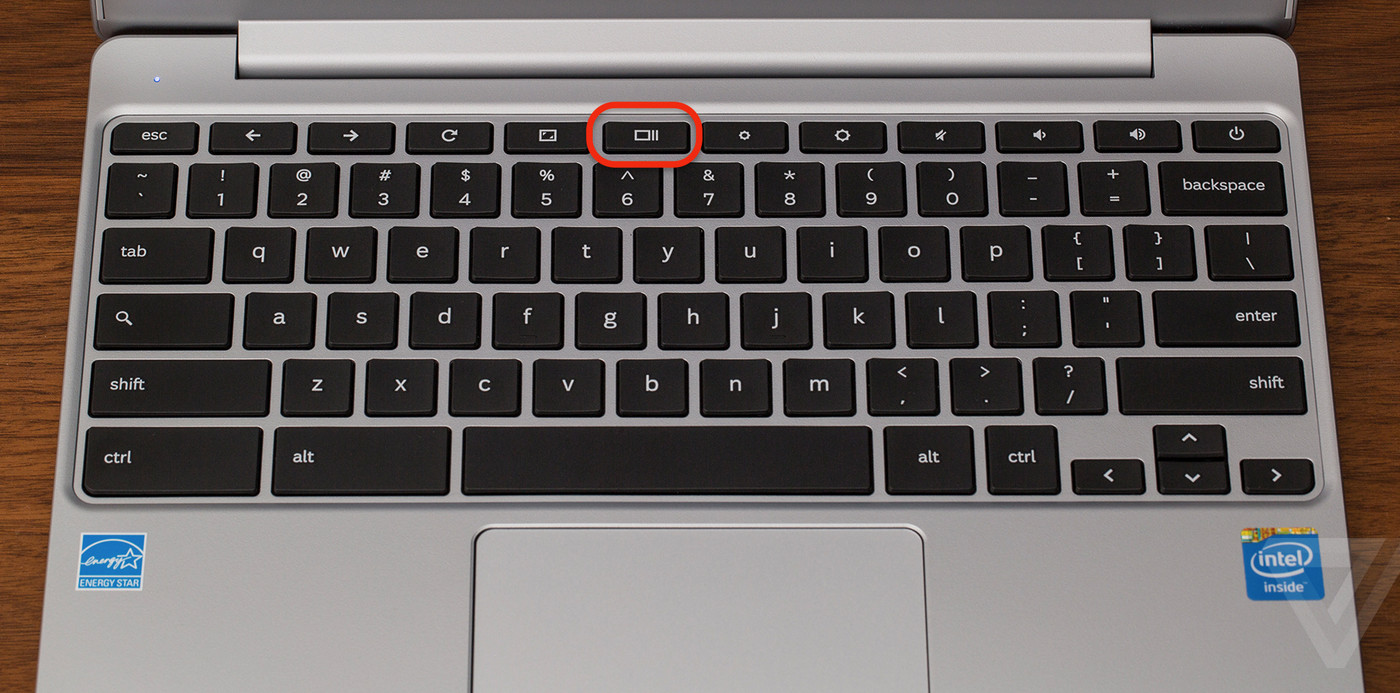
Those who have recently started using a Chromebook must be learning many new things. One of those things is to learn how to take a screenshot on Chromebook. Intel core-powered laptops have their prowess, but many valuable features have been introduced in the market through . But screenshot is one of the essential features to keep information saved for numerous purposes.
Chromebook 101
Everybody knows how to take a screenshot in Windows and learn how to take a screenshot on a Chromebook without access to a keyboard? Let’s break down everything we are talking about:
-
- A is a newly designed computer, which has been specially developed to run faster and has a more accessible user interface.
- The Chromebooks run on Chrome OS, the operating system has cloud storage, G Suite, best Google built-in, and multi-layer security.
- They are affordable in comparison to laptops
- They can run cross-platform Android device apps
Now, let’s get back to the topic and understand how we will be taking those screenshots.
TECHNOLOGY
TECHNOLOGY
TECHNOLOGY
Related Article:
Taking A Screenshot on Chromebook



