

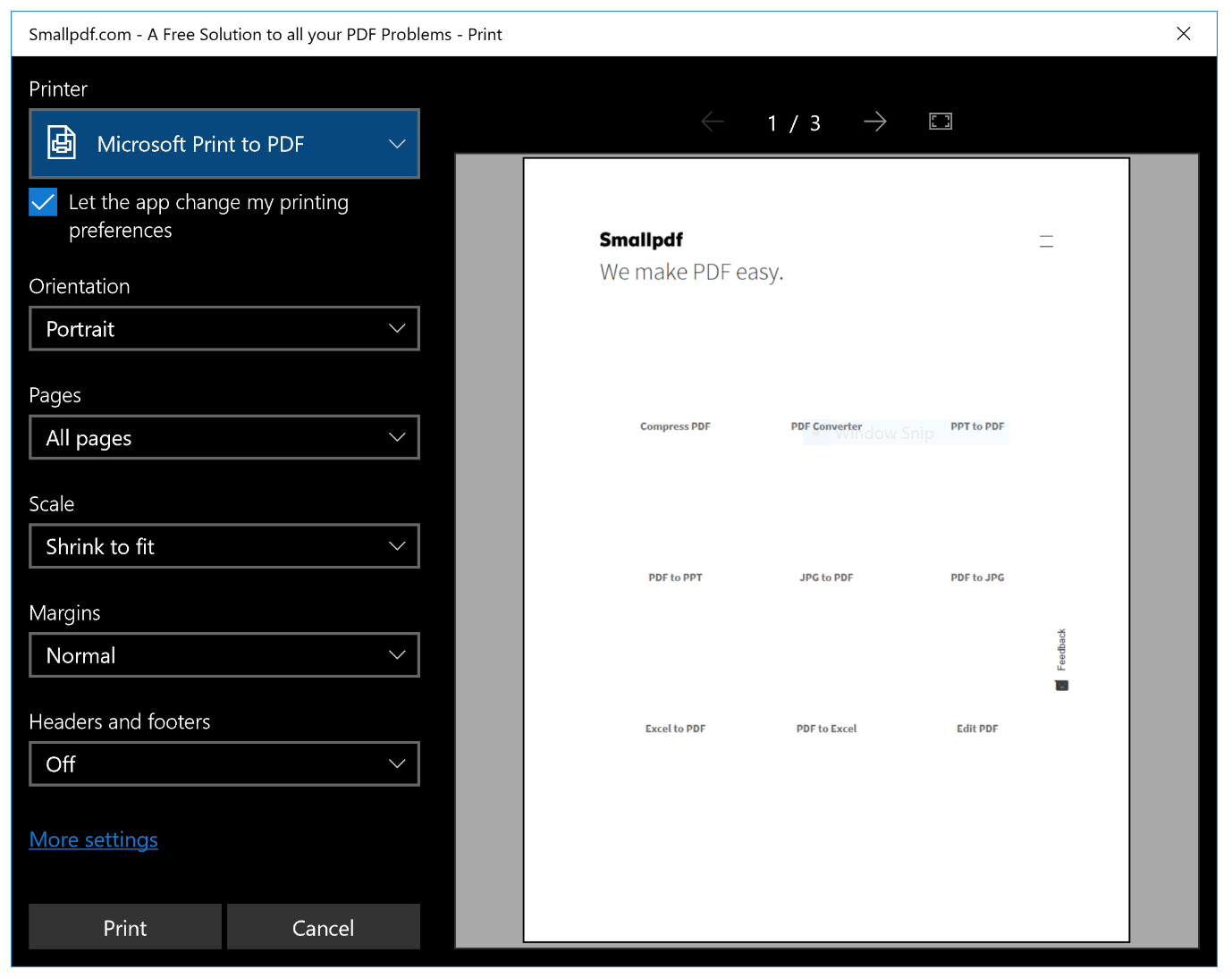
People often come across a webpage that they find interesting or informative, and want to save it in a PDF form for offline access, but couldn’t.
PDFs are portable and can be read on any device. They are a secure form of document that does not allow editing to your content. They help in combining multiple copies and enable easy and secure sharing.
This article provides a guide to saving web pages and exporting them as PDF and answers some of the most frequently asked questions regarding this process, such as why convert an HTML to PDF? What is the best HTML to PDF converter? And what extensions are available for the procedure? Most of the contents here are sourced from Google and other reliable online platforms.
Why convert HTML to PDF?
TECHNOLOGY
TECHNOLOGY
TECHNOLOGY
If you want to save and share a webpage, you found it beneficial. You can easily do this by saving the HTML link and sharing that link further. However, this process is not much safe and deprives you of some of the features of the document. Before moving towards saving a web page to PDF, it is vital to know its benefits.
Converting an HTML to PDF provides a secure form of document and allows easy read and easy access to the content. The PDFs are accessible on any device that has Adobe installed on it. And most importantly, they give you offline access to the content.



