

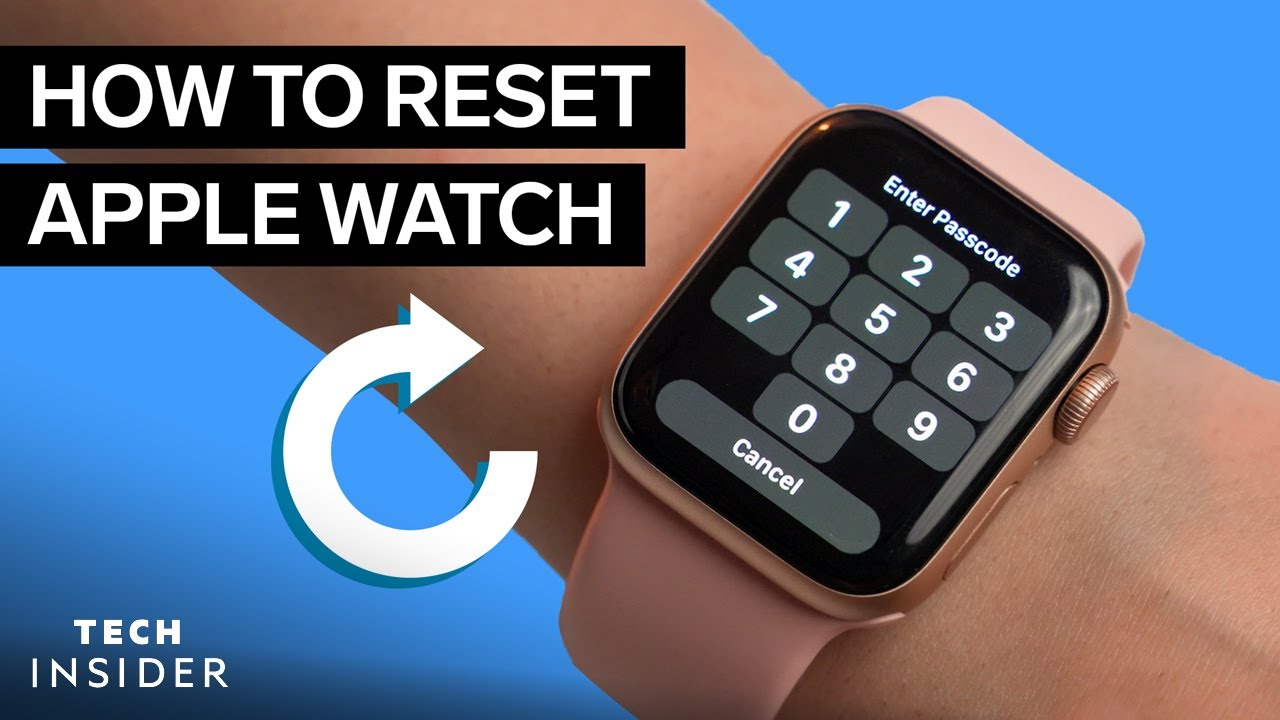
Do you want to know how to reset Apple watch? Every year, a new Apple Watch is released, and along with it comes the excitement to pick one up for yourself. If you’re in the market to sell, trade-in, or simply give away your current Apple Watch, there’s an important step you need to take first.
Whether using a Apple Watch, these steps are very similar. If you want to know how to reset Apple Watch, you’re definitely in the right place.
What is an Apple Watch?
The Apple Watch is an interactive smartwatch that enables its users to perform all sorts of tasks. You can send texts, read your email, make calls and even keep track of your fitness with an Apple Watch. The smartwatch is a wonderful innovation that takes connectivity to a whole new level.
How to Factory Reset Apple Watch
There are different ways to factory reset your Apple Watch. Factory reset takes off the apple watch passcode, resets every data and settings previously on it, and erases previous Apple Watch apps.
TECHNOLOGY
TECHNOLOGY
TECHNOLOGY
How to Reset Apple Watch with iPhone
Pair your Apple Watch with your iPhone. They will have to be within range of each other (if your watch were previously paired with another device, you would have to unpair Apple Watch by inputting your Apple ID password). Once paired, open the Watch app on your phone. Navigate the app and select ‘General.’



