

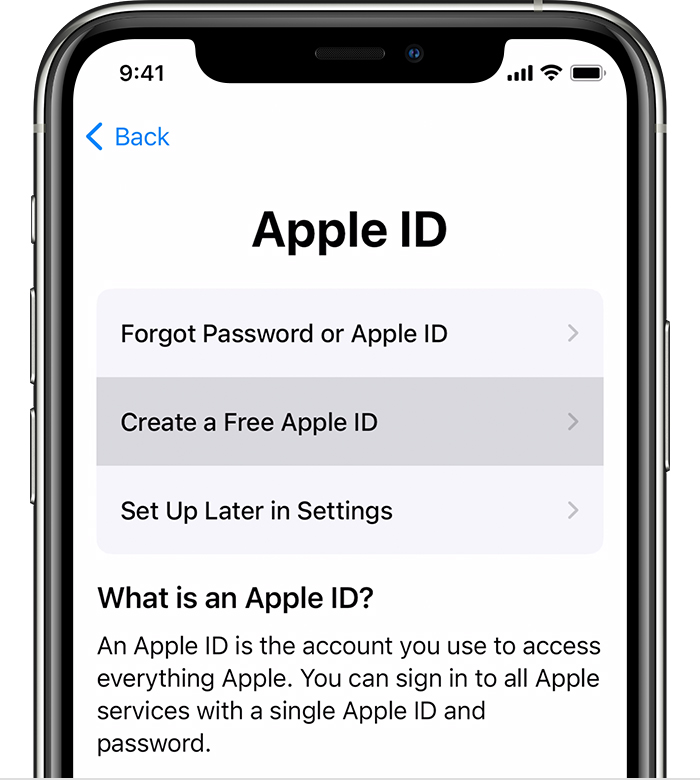
When you get a new iOS device, you have to create a new Apple ID or log in with your existing ID. This guide walks you through the process of setting up your Apple ID as a new or existing user.
What is an Apple ID?
The Apple ID is a that gives iOS users access to Apple’s digital and online services. With this, you gain the right to use Apple’s services across numerous iOS devices, including your Mac, iPad, Apple Watch, and of course, your iPhone.
Your ID lets you sync your data and information like Calendars, Bookmarks, Reminders, and Contacts via iCloud. It allows you to download apps and games from the Mac and app iOS store.
TECHNOLOGY
TECHNOLOGY
TECHNOLOGY
It also lets you download music from the iTunes app store and products from the .
In addition, you will need the ID to contact Apple Tech Support or buy AppleCare (Apple’s extended warranty coverage).



