

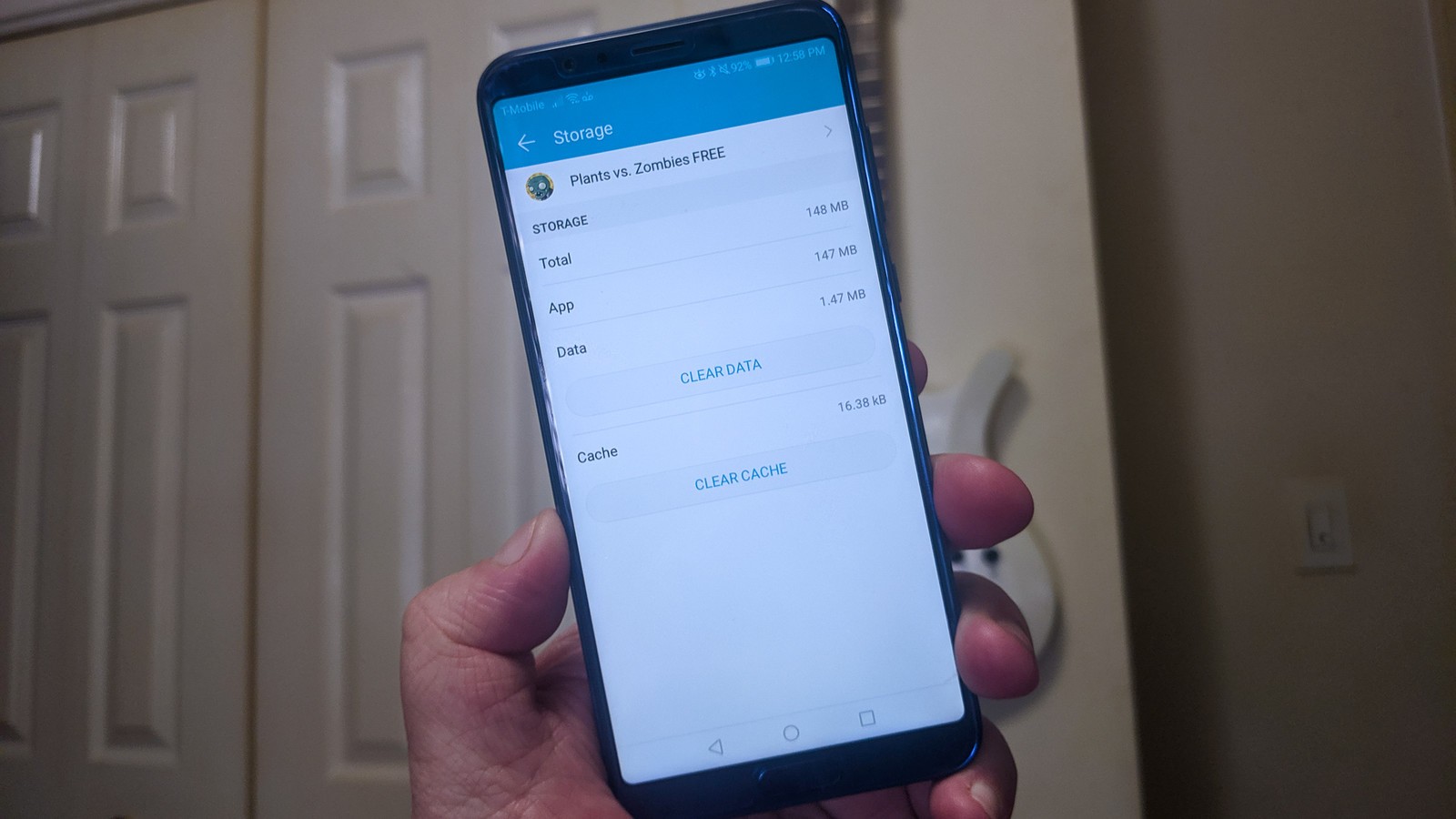
Do you need to know how to clear the cache on an Android device? A cache acts as replacement storage collects temporary files and data and helps users access websites and apps faster. No matter what device is used—laptop, phone, tablet, or desktop computer—the cache is there.
What is Cache?
The cache’s job on Android is to retrieve data in no time, which helps the websites and apps run faster on your phone or device. This cache is stored so that load time can eventually decrease, boosting speed from the caches stored instead of picking it up from the server.
What Does Clear the Cache Mean?
All of us use a lot of applications and websites on Android phones regularly. Since cache on Android can take up a lot of space and a damaged cache will hamper the normal functioning of the application, it does make sense to clear the cache.
TECHNOLOGY
TECHNOLOGY
TECHNOLOGY
This is important for your phone’s optimum performance and frees up space occupied by files. Clearing the cache will help delete the downloaded files on your Android phone, and this way memory space on your phone can be increased.
Why Should You Clear the Cache on Android?
Cache improves your phone’s speed and the performance of your device by storing copies of files.



