

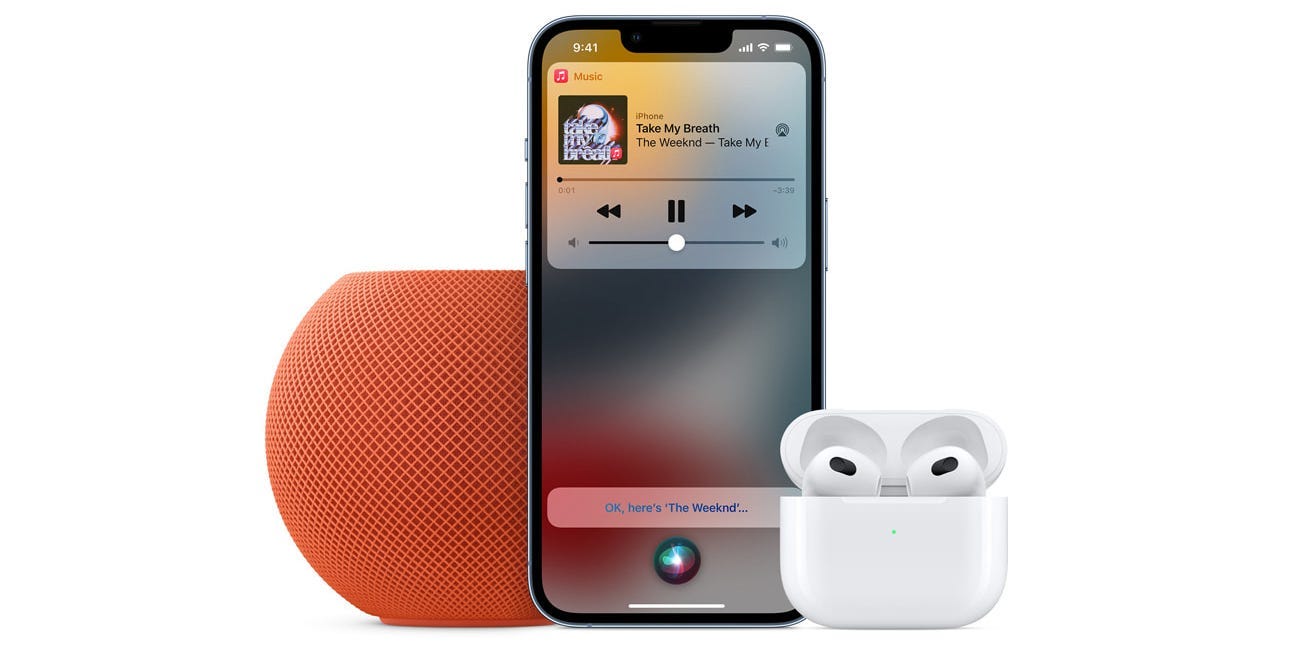
Apple Music’s Voice Plan is totally hands-free.
Apple
- The Apple Music Voice plan is a cheaper version of Apple Music that you control entirely with your voice.
- With Apple Music Voice, you get access to the entire Apple Music catalog, but have to use Siri to play it.
- Apple Music Voice is only $4.99 per month, compared to $9.99 per month for the standard version.
- Visit Insider’s Tech Reference library for more stories.
Along with Spotify, Apple Music is one of the premiere music streaming apps on the market today. It’s got songs from artists across the world — and it’s designed to work on iPhones, iPads, Macs, and even Android phones.
But the standard Apple Music plan costs $9.99 every month, which can be pricey for some customers. That’s why Apple now offers a cheaper version of Apple Music, which offers all the same songs but less features.
Here’s how the Apple Music Voice plan works, and how to sign up.
How Apple Music Voice works
Apple Music Voice works entirely through Siri: You don’t select songs or playlists by tapping them, but instead by asking Siri to play music.
Quick tip: To use Siri on an iPhone or iPad without a Home button, hold down the Lock or Home button until Siri appears. If your device has a Home button, hold that down. On a Mac, hold down the Command and Spacebar keys, or click the Siri icon in your menu bar.
Alternatively, if it’s enabled, just say “Hey, Siri.”
So for example, if you want to listen to Britney Spears, you’ll tell Siri: “Play Britney Spears on Apple Music.”
Or if you want to listen to a specific track, like “Toxic,” you’ll ask for it directly: “Play ‘Toxic’ by Britney Spears.” Once the song is over, you’ll hear similar recommended songs.
You can also give Siri some more freeform requests, like:
- “Siri, play relaxing music.”
- “Siri, play rock music from the 70s.”
- “Siri, what’s the title of this song?”
This means that a lot of the music you’ll be listening to is picked automatically. You can personalize the random music selection by telling Siri that you like or don’t like the song currently playing.
You can’t freely choose songs or artists to play through the app — you can only use Siri. You use Siri to control the songs, too. If you want to pause, skip, or rewind a track, you have to ask Siri to do it for you.
The Apple Music app will still have three major sections: Listen Now, which shows songs you’ve listened to recently and recommends new ones; Radio, which lets you listen to AM and FM radio stations; and Search, which lets you look for songs or artists (but you still need to ask Siri to play them).
The Apple Music Voice plan only costs $4.99 per month, compared to $9.99 and up for a standard Apple Music subscription. But Apple Music Voice also doesn’t include lossless audio, the ability to download songs and listen offline, spatial audio, and more.
 The Voice plan is cheaper, but comes with less features.
Apple
Additionally, Apple Music Voice only works on devices that use Siri. This means that although Apple Music is available on Android devices, you can’t use the Voice plan there.
How to sign up for Apple Music Voice
How you sign up for Apple Music Voice will depend on whether you already have an Apple Music subscription.
If you’re a new Apple Music user
1. Open the Apple Music app on your iPhone or iPad and tap Listen Now in the bottom-right corner.
2. You’ll see a box titled Play anything with Siri. Tap this.
 The Listen Now page will offer you both types of Apple Music membership.
Apple; William Antonelli/Insider
3. Subscribe to the Apple Music Voice Plan using your Apple ID account. It costs $4.99 per month, but you’ll be offered a free trial beforehand.
 Tap “Subscribe.”
Apple; William Antonelli/Insider
If you already have Apple Music
1. On your iPhone or iPad, open the Settings app and tap your name at the top of the page.
2. Tap Subscriptions, and then select Apple Music.
3. Under the Options heading, select Voice (1 Month).
 Tap the last option, “Voice.”
Apple; William Antonelli/Insider
4. Confirm that you want to change your plan.
You can use this method to upgrade to the standard plan later if you want.
Read the original article on Business Insider 



