

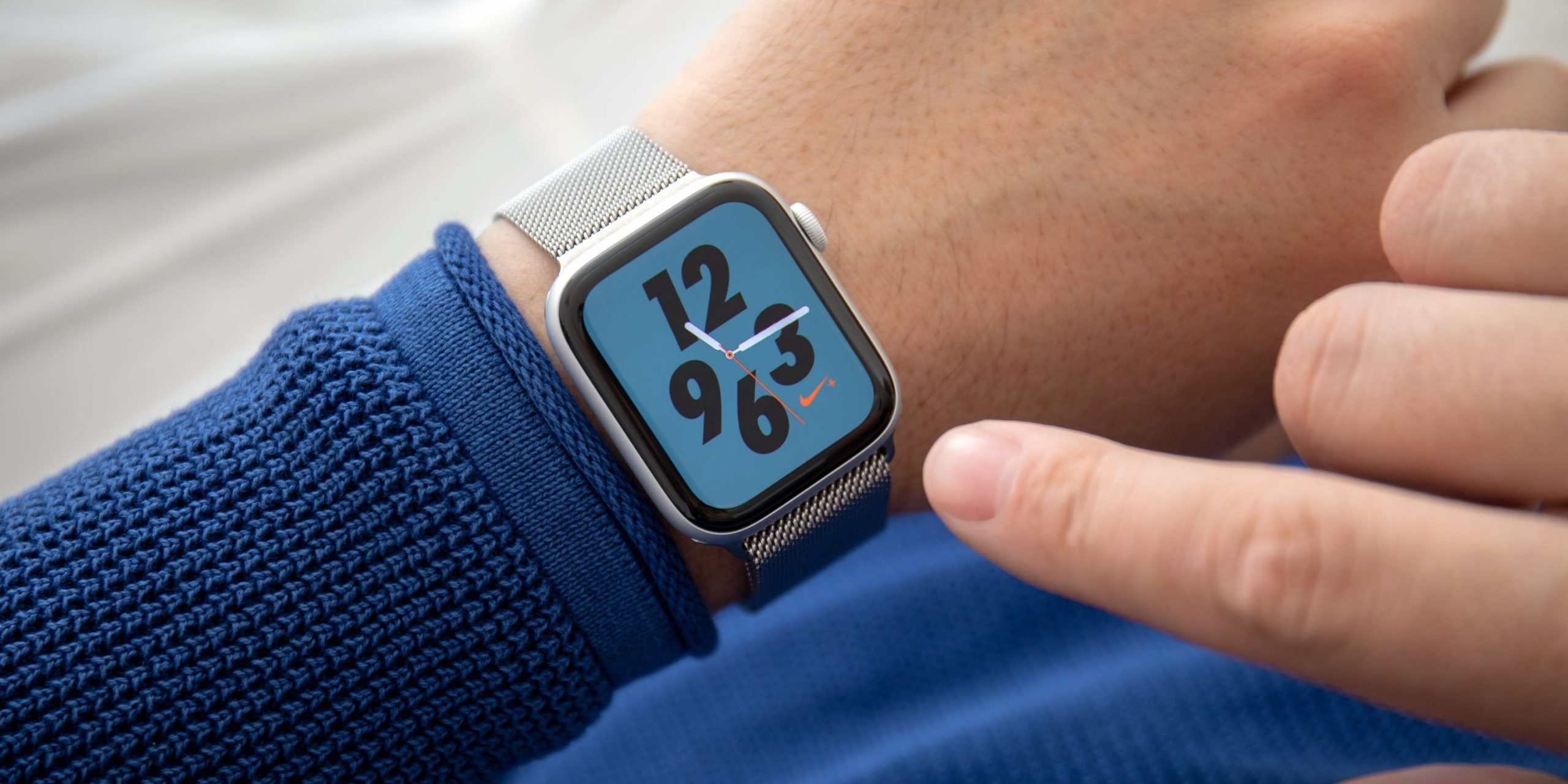
There are many ways to use an Apple Watch to track sleep.
DenPhotos/Shutterstock
- The Apple Watch Sleep app is free and offers various sleep tracking features.
- Apple’s Sleep app measures the average time you spend in bed and the average time you spend asleep.
- Some third-party apps offer more sleep metrics, but you might have to pay for them.
- Visit Insider’s Tech Reference library for more stories.
A good night’s sleep is important for your health and overall quality of life. If you’re having issues sleeping, or you’re simply curious about how well you sleep through the night, the Apple Watch has a built-in Sleep app that’s designed to track your sleeping habits.
To use the Sleep app, you’ll need watchOS 7 or later, and an Apple Watch Series 3 or later. In this article, we discuss the features of the Sleep app, how to set it up, and notable third-party apps for people interested in more detailed sleep metrics.
How does Apple Watch Sleep tracking work?
The Apple Watch Sleep app integrates with the Sleep feature in the Health App and the Apple Watch app for iPhone.
If you wear your Apple Watch to bed and turn on sleep mode, the Sleep app will track your sleep duration, which includes the average time you spend in bed and the average time you spend asleep.
Quick tip: With the watchOS 8 update, your Apple Watch also tracks your breathing rate (also known as respiratory rate) while you sleep.
One of the main features of the Sleep app is bedtime schedules, which can help you achieve your sleep goals during the week and even on weekends.
Once you set a schedule, your Apple Watch will gather data during these time frames. You can set multiple sleep schedules, which is helpful if your sleep habits differ throughout the week.
How Sleep helps you attain sleep goals
When creating sleep schedules, you can set a sleep goal (for the number of hours you want to sleep), the time you want to go to bed and wake up, an alarm tone to wake you up in the morning, and when to turn on sleep mode.
When it’s almost time for bed, the Sleep app will activate Wind Down, a feature that turns on sleep mode. Sleep mode turns off your Apple Watch display and turns on Do Not Disturb, which silences your notifications, in an effort to reduce distractions before bedtime.
Note: Alarms in the Clock app will automatically be set to match the sleep schedule you set.
Where to set up and change Sleep tracking
Here’s a guide of what you can do to track sleep in the apps on your Apple Watch and iPhone:
| Apple Watch Sleep app | iPhone Health app | iPhone Clock app | iPhone Apple Watch app | |
| Set up and configure Sleep |
Yes |
Yes |
No |
No |
| Edit Sleep settings |
Yes |
Yes |
No |
No |
| Edit Sleep schedule |
Yes |
Yes |
No |
No |
| View Sleep history |
No |
Yes |
No |
No |
How to set up Apple Watch Sleep tracking
1. Open the Health app on iPhone. Tap Browse on the bottom-right of the screen, then Sleep.
 Set up the Sleep app, make changes, and view data on the Health app on iPhone.
Abigail Abesamis Demarest
2. Under Set Up Sleep, tap Get Started.
3. Tap Next. Use the plus and minus buttons to set a sleep goal, then tap Next.
 Alarms and other features will be set to help you achieve your sleep goal.
Abigail Abesamis Demarest
4. Use the circular slider to set a sleep schedule. Tap the weekdays you want the schedule to apply to, then tap Add.
5. Tap Add Schedule to add another sleep schedule. When you’re finished, tap Next.
 You can add or edit sleep schedules at any time in the Health app.
Abigail Abesamis Demarest
6. Follow the on-screen prompts to enable or skip Sleep app features like Sleep Screen (simplifies your lock screen to reduce distractions before bedtime), Wind Down, and enabling sleep tracking. When you’re finished, tap Done.
How to view Sleep history
To see the sleep data that your Apple Watch collected, open the Health app on iPhone and tap Sleep in the Summary tab or Browse tab.
Here, you’ll find metrics on the amount of time you spent in bed and the amount of time you were asleep for each night, with graphs displaying trends over the week, month, and even six months.
Third-party sleep tracking apps
Apple’s built-in Sleep app is free and convenient to use, but as far as sleep data goes it’s fairly limited. Below are some notable third-party sleep tracking apps on the market.
- AutoSleep ($4.99): For a one-time charge of $4.99, you get access to all of the features on AutoSleep. The app analyzes your sleep quality based on measurements it takes on the amount of time you’re asleep, restlessness, the amount of time you’re awake, and your heart rate.
- Sleep++ (Free, with in-app purchases): This sleep tracker has an automatic mode and a manual mode. For the manual mode, you can tell the app when you start sleeping and when you wake up to more precisely control when data is being collected.
- Sleep Cycle (Free, $29.99/year for a premium subscription): Sleep Cycle has a smart alarm clock that gently wakes you up when you’re in a light sleep phase. It detects things like snoring, sleep talking, coughing, and other things that can decrease your quality of sleep. Premium features include relaxing sleep sounds and a story library. Since Sleep Cycle uses sound analysis, you don’t even need to wear your Apple Watch to bed.
- SleepWatch (Free, $3.99/month or $29.99/year for a premium membership): This sleep tracking app measures total sleep time, total restful sleep time, average sleeping heart rate, sleep rhythm, sleep disruptions, and more. It uses AI to offer personalized insights to help you get a better night’s sleep. Premium membership unlocks features like an advanced tracking mode, which estimates the time it takes you to fall asleep each night.
Read the original article on Business Insider 



